Study area · Technology
Data Analytics with Excel and Power BI
Turning routine reports into something people read: clean tables, dashboards that answer one question each, and the data modelling that backs them up.
This programme sits inside Technology, one of the four study areas in the wider Programmes catalogue.
- DAN
- Certificate
- Kendahouse, Nairobi

What the training covers.
Every session runs as a workshop, not a lecture. You practise the routines of the job until they are second nature, with instructors who have done them for a living.
Apply via Student Applicant- 01 Excel and Power BI: cleaning, modelling, and the difference between the two
- 02 Building a report someone looks at twice
- 03 Pivot tables, formulas, and the calculations that reconcile
- 04 Dashboards: one question per screen, and the numbers that answer it
- 05 Data sources: connecting, refreshing, and knowing when the feed broke
- 06 Publishing and permissions so the report is the trusted version
Programme facts
- Award
- Certificate
- Apply through
- Student Applicant
- Kiflaps programmes
- 40
- Fee
- With admissions
Dates, fees, and instalment options are confirmed with admissions. Nothing is quoted until you ask, and applications close four weeks before each intake starts.
The work it prepares you for.
The training aims at front-line roles like these across the industry.
- Business analyst or reporting analyst
- Operations analyst producing recurring reports
- Finance or HR analyst handling numbers
- BI developer building dashboards
Who it suits.
Applicants who already use spreadsheets daily and want the reporting layer under it. No programming needed.
Pair it with a language
Pairs with Applied Business Intelligence, which continues from a single report into a reporting practice.
Browse the twenty languagesOther technology routes.
-
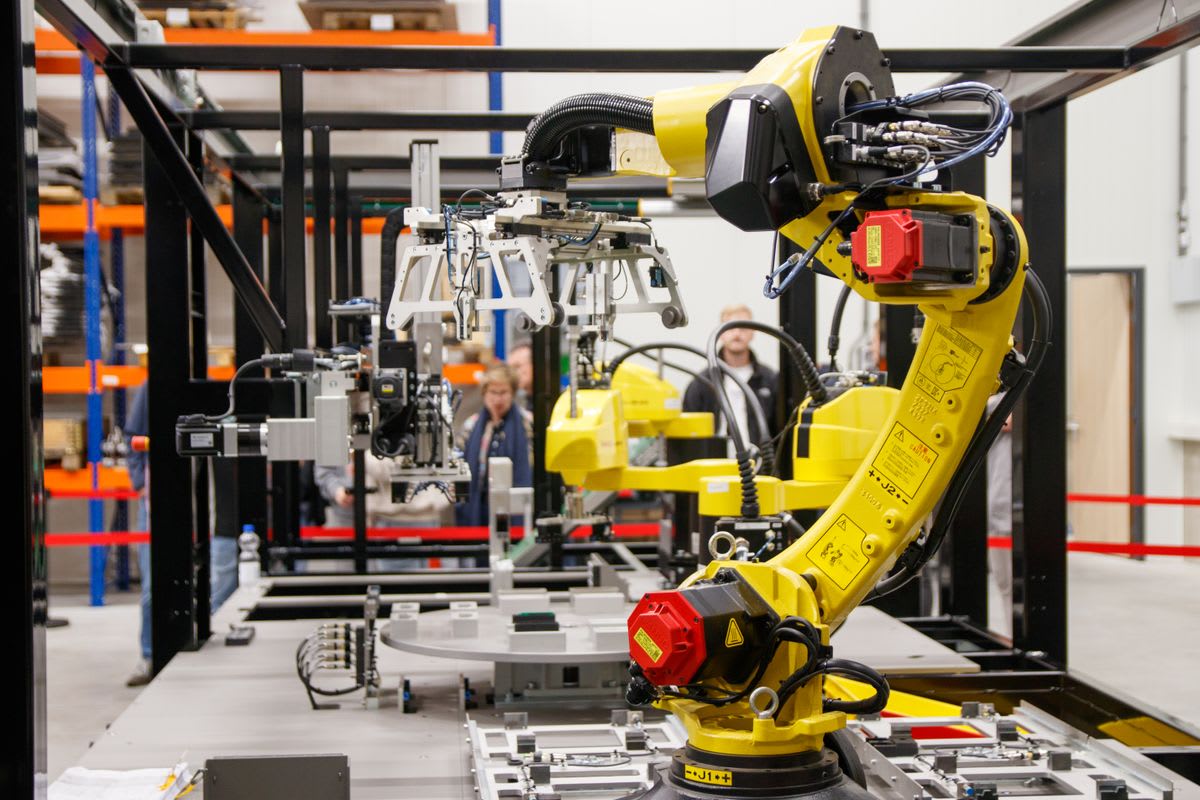 AGA AI Agents and Automation Building software that takes a sequence of actions and checking it without watching over its shoulder: planning, tools, and the guardrails. Explore
 -
 AAI Applied AI Engineering Taking a machine learning system into production: data pipelines, serving infrastructure, evaluation, and what happens after the launch. Explore
 -
 ABI Applied Business Intelligence Turning the numbers an organisation already holds into a report a manager can act on before the next month closes. Explore
 -
 CDE Cloud and DevOps Engineering The release habits taken further: infrastructure described in code, monitored services, and the incident routines that keep a system honest when real traffic arrives. Explore
 -
 CYB Cybersecurity Essentials The defensive baseline: how systems get taken over, how to notice, and what a small team with nobody dedicated to security should do first. Explore
 -
 DPP Data Protection Practice Handling other people's information with care: what records to keep, how consent works, what to do when something leaks, and how to write a policy people can follow. Explore
 -
 DSP Data Science with Python The route from a raw file to a defensible answer: cleaning, exploring, modelling, and then explaining the result to people who never ran the code. Explore
 -
 DMA Digital Marketing with AI Using AI for the parts it is good at, briefs, analytics and copy variants, while keeping the strategy and the judgment with people. Explore
 -
 FSE Full-Stack Software Engineering Building a working web application end to end: interface, server, database, tests, and deployment, with the working habits a small development team expects on the first day. Explore
 -
 GAI Generative AI Essentials A working understanding of generative models without the hype: what they can do, where they fail, and how to check their work. Explore
 -
 IDS Introduction to Data Science The first step for applicants who work with numbers but not code: spreadsheets first, then Python, then the questions data can and cannot answer. Explore
 -
 DOV Introduction to DevOps A first look at how software reaches the people who use it: version control, build and release habits, basic automation, and the shared vocabulary that development and operations teams use when something breaks. Explore
 -
 MRE Marine Engineering Shipboard technical training for applicants heading to sea: main engine and auxiliary systems, workshop practice, safety drills, and the maritime English used on deck and in the engine room. Explore
 -
 HSB School Leavers Tech Bootcamp A holiday programme for students who have finished secondary school: a first look at programming, building a small project, and deciding what to study next. Explore
Start your application
Full programmes go through the Student Applicant form. Short programmes and online-only study enrol in the LMS.
Questions by phone: +254 714 772 289
Questions about Data Analytics with Excel and Power BI? Call +254 714 772 289 or message admissions.